flock.tt turns gifts, likes, follows and chat into alerts, sounds, animated overlays and OBS scene changes, so your whole audience can feel every moment.
Free for Windows 10 and 11. Mac version coming soon.
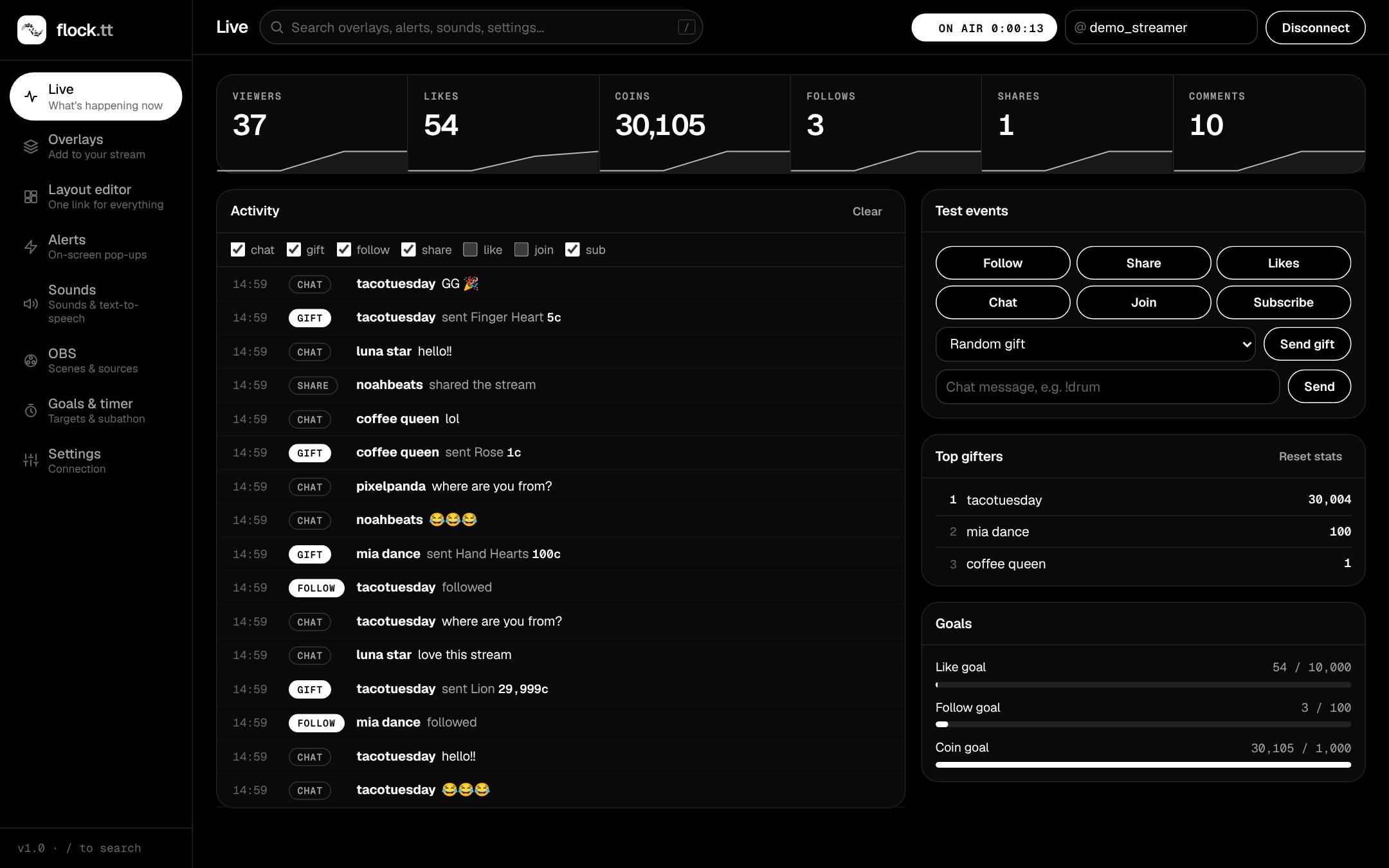
Connect with your TikTok username and flock.tt hears every gift, like, follow, share and chat message as it happens. Then you decide what your stream does about it.
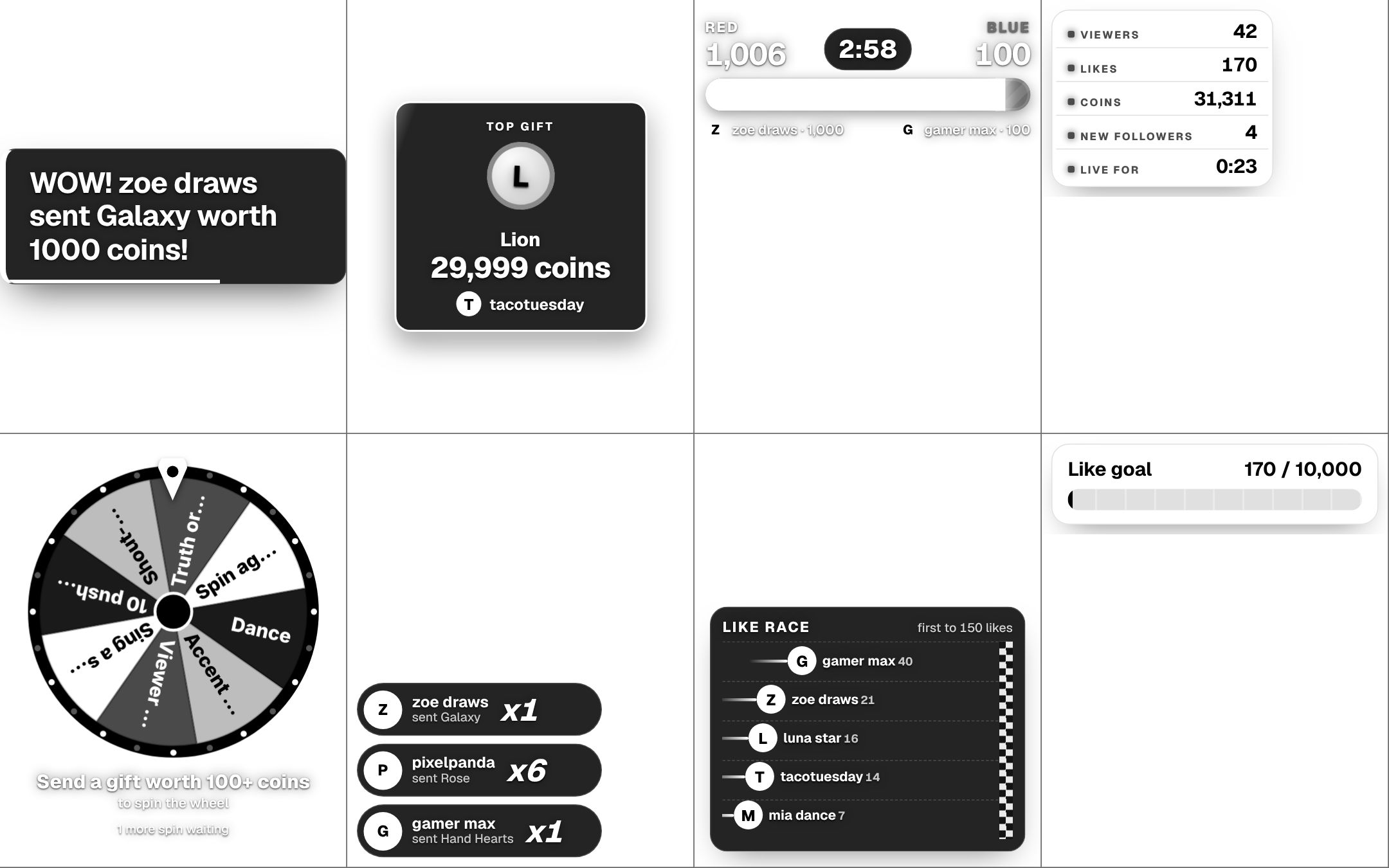
Animated overlays made for TikTok LIVE. Viewers see their gifts land on screen.
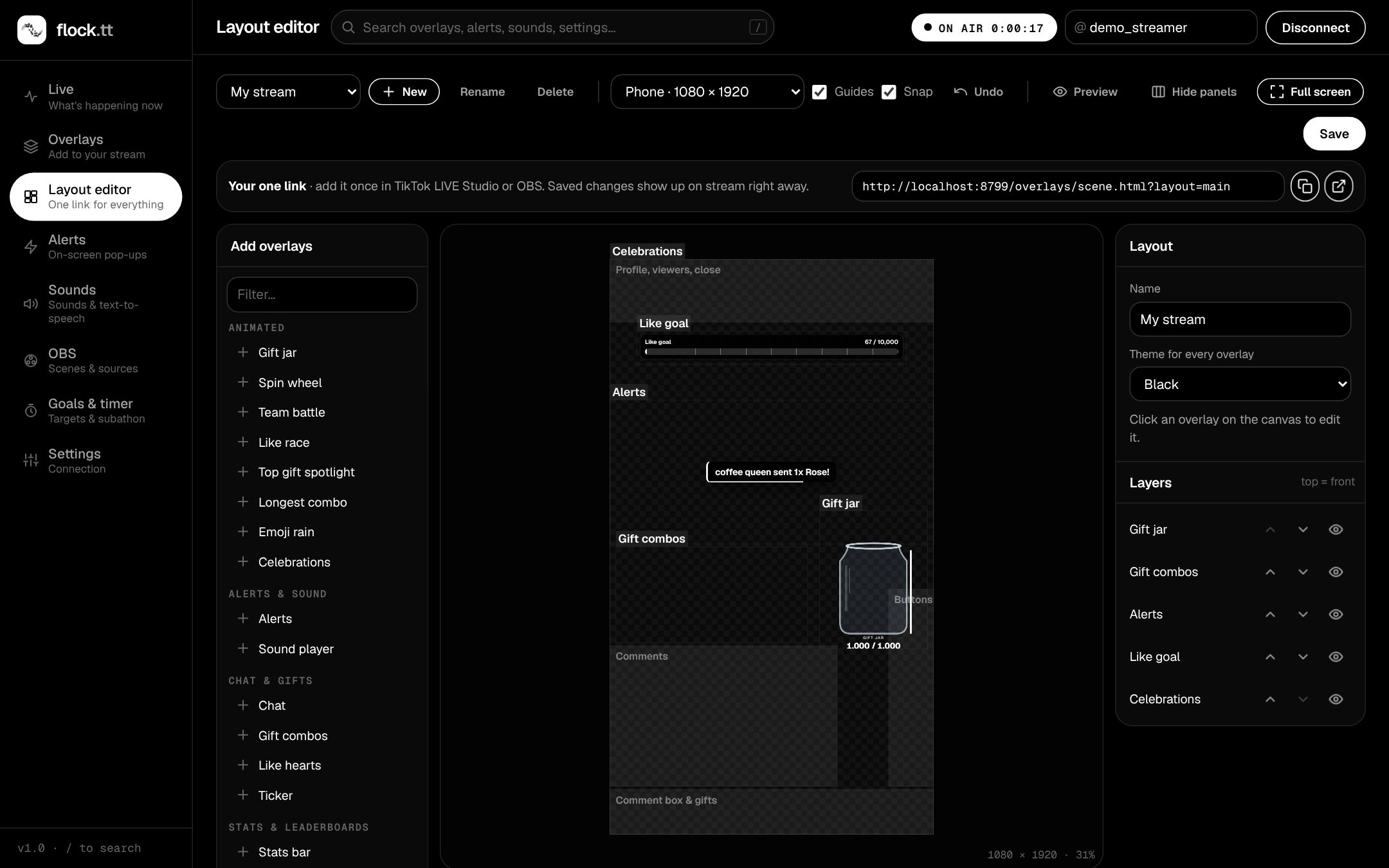
Arrange overlays in the layout editor and add a single link to TikTok LIVE Studio or OBS. Change things later and your stream updates the moment you save.
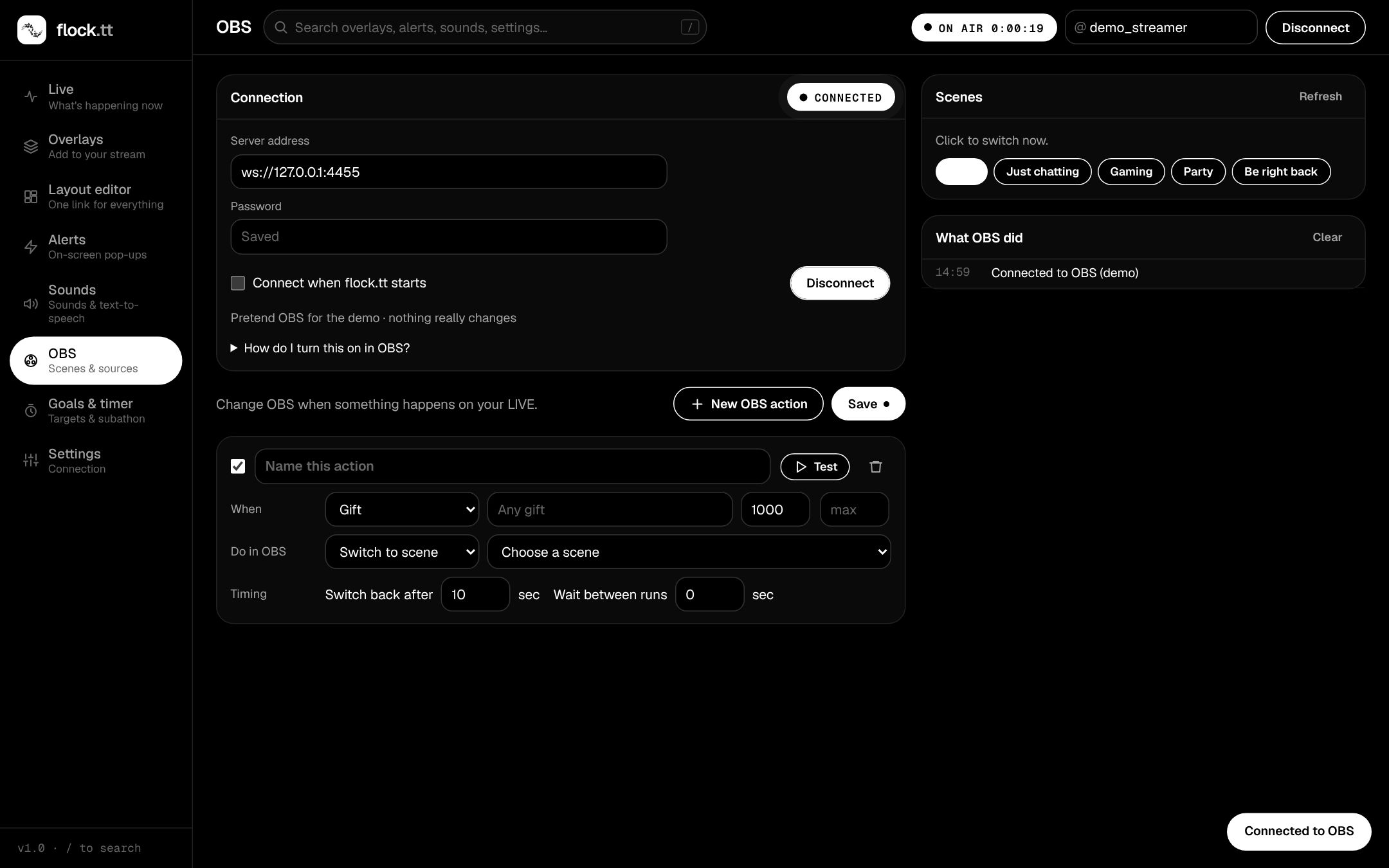
When a big gift lands, switch to your party scene for ten seconds. When chat says !quiet, mute the music. flock.tt talks to OBS Studio directly.
?theme=white.Windows: run the installer. If you see "Windows protected your PC", click More info → Run anyway.
Open flock.tt, type your TikTok username and press Connect. It works while you're live.
Build a layout, copy its link, and add it in TikTok LIVE Studio as a Link source, or in OBS as a Browser source. Keep flock.tt open while you stream.
…/overlays/scene.html?layout=main
Free for Windows. Mac coming soon. Want a look first? Try the demo in your browser.
